How Computers Work
This purpose of this activity is to give the students a basic sense of how computers work
by acting out a simple computer simulation.
This project works best if the students work together in groups of 2 or 3.
There are three tasks that need to be performed:
- CPU - Central Processing Unit
This person will execute the program and tell the other components what they need to do
- ALU/Memory - Arithmetic Logic Unit & Memory
This person will perform the math operations requested by the CPU and keep track of the results
- Display
This person will draw points on the display when/where the CPU tells it to.
For a group of three, have one person assigned to each of these tasks. For groups of two, have one person handle the
Display and the other act as both the CPU and ALU/Memory.
Here's what each person should do:
 |
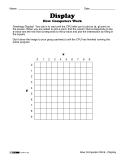
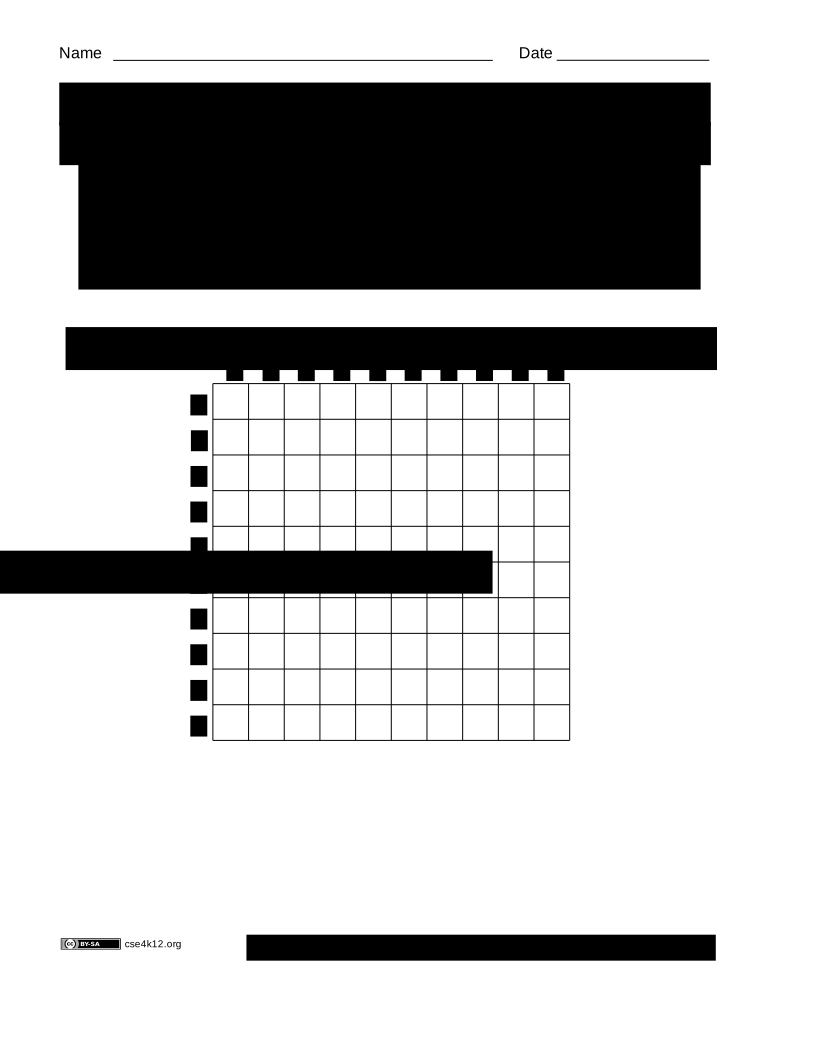
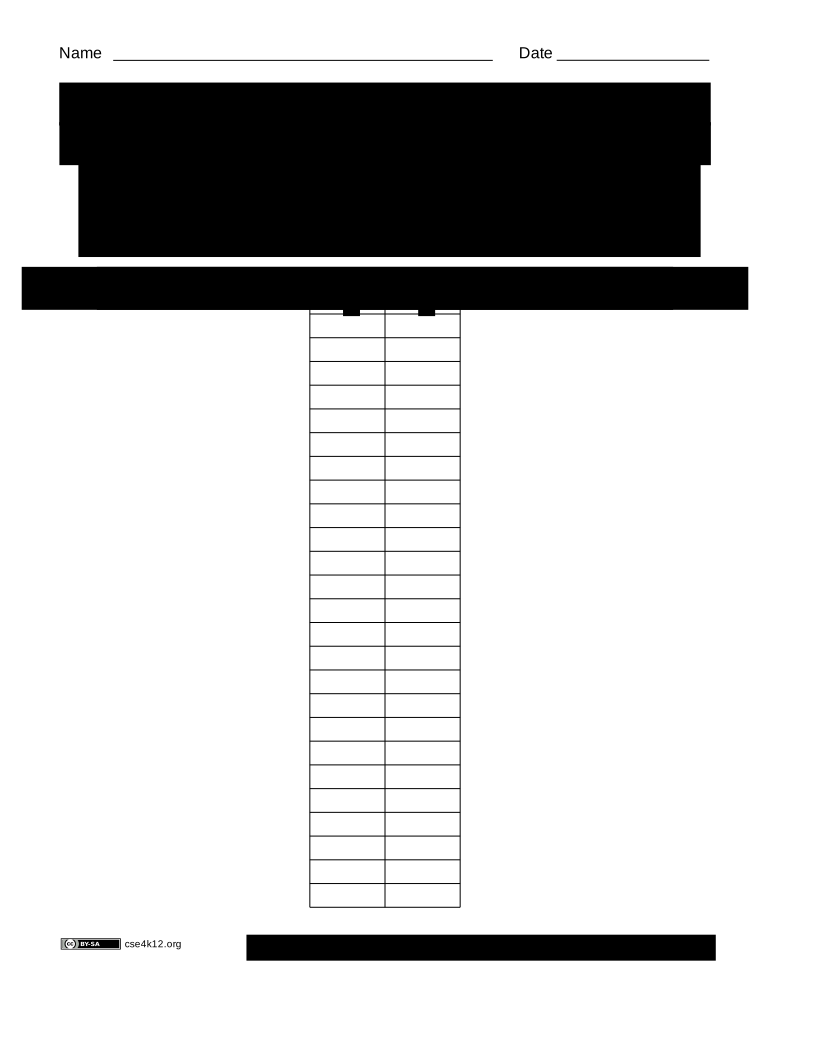
Display
The person acting as the Display should use this worksheet to record
what is being shown on the computer's display.
|
 |
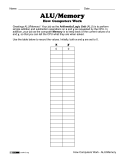
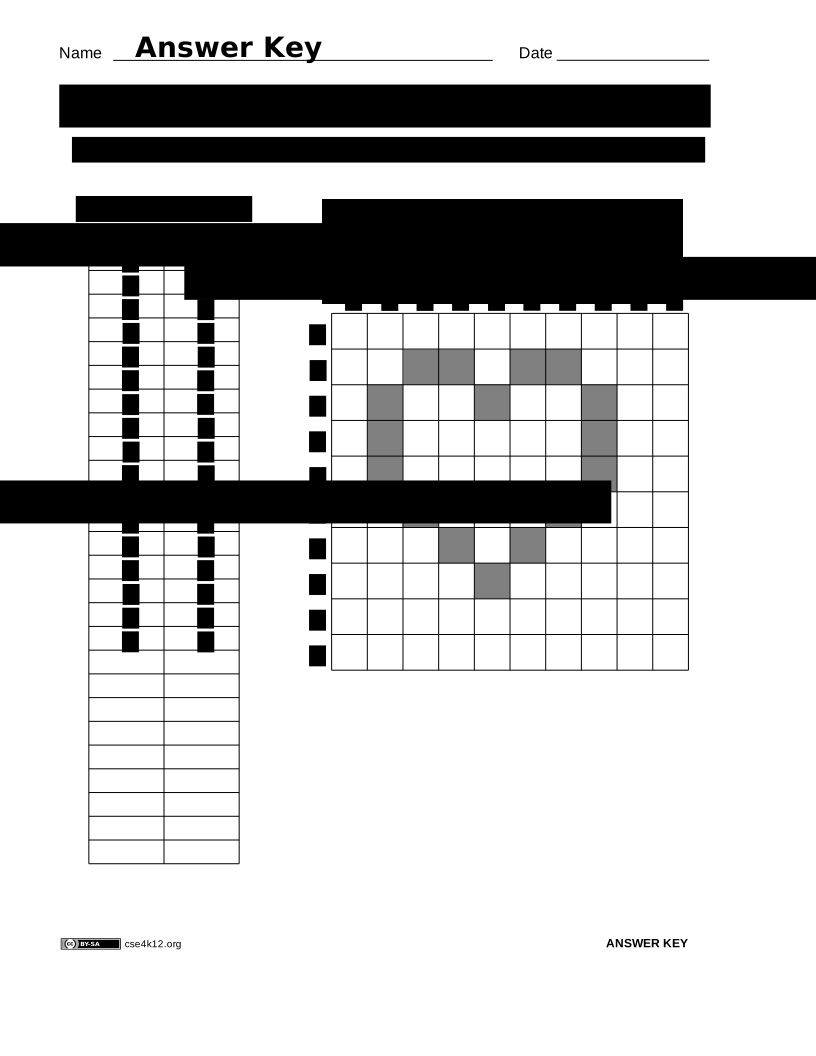
ALU/Memory
The person acting as the ALU/Memory should use this worksheet to keep track
of the current x and y values.
|
 |
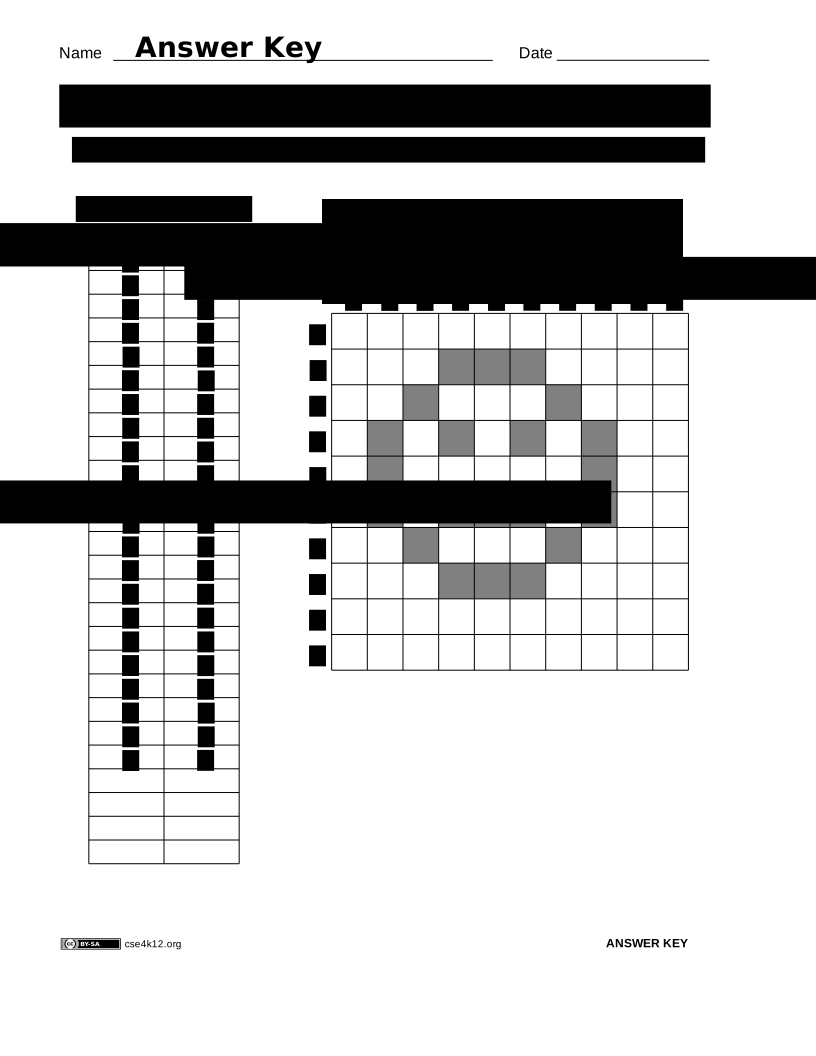
CPU
The person acting as the CPU takes one of the following programs and runs the program by passing information
to the ALU or the Display.
|
Example
This is a simple example with three students:
- Student A is acting as the ALU/Memory
- Student C is acting as the CPU
- Student D is acting as the Display
The process is as follows:
- Setup:
The group selects a program to run.
D gets a blank display worksheet.
A gets a sheet of paper and records x=0 and y=0.
C gets the program and starts at the beginning.
- Assume that the selected program begins with the following commands:
Add 4 to x
Add 6 to y
Plot (x,y)
Add 2 to x
Subtract 3 from y
Plot (x,y)
- C executes the 1st command by telling A to "Add 4 to x"
- A adds 4 to x and records the updated value: 4
- C executes the 2nd command by telling A to "Add 6 to y"
- A adds 2 to y and records the updated value: 6
- C executes the 3rd command by:
Requesting the current values of x and y from A
Telling D to plot the x,y values
- D plots the (x,y) values by:
Finding the column that corresponds to the x-value (4) and
Finding the row that corresponds to the y-value (6) and
Filling the square at the intersection.
- C executes the 4th command by telling A to "Add 2 to x"
- A adds 2 to x and records the updated value: 6 (=4+2)
- C executes the 5th command by telling A to "Subtract 3 from y"
- A subtracts 3 from y and records the updated value: 3 (=6-3)
- D plots the (x,y) values by:
Finding the column that corresponds to the x-value (6) and
Finding the row that corresponds to the y-value (3) and
Filling the square at the intersection.
- ...and so on...
Basic computer simulation - Followup
Read this section after you've finished the activity.
The purpose of the simulation exercise is to give you a small taste of what it is that computers do.
The single-most important thing that you should learn from this exercise is the following:
|
The computer had no idea what was being drawn on the display - it was just mindlessly following
the instructions in the program.
|
Computers do not "understand" what they are doing. Drawing a picture of a cat is the same (from
the computer's perspective) as drawing a picture of a dog - it's just a series of instructions to execute.
Since computers are simply executing the instructions in the program, it is your responsibility (as
the programmer) to write the program correctly. If there is a mistake in the program, the computer will
still go ahead and try to execute the program as written.
Other things to think about:
- What happens if the CPU tells the display to plot an x or y value that is greater than 9?
- What happens if the CPU is faster than the display?
- What happens if the display is faster than the CPU?
- Note that the computer's display has the origin (x=0, y=0) in the upper left corner and y-values increase as they work down the page. Normal math plots have the origin in the lower left corner and the y-values increase as they work up the page. Which of these two approaches more closely matches the way you write on a sheet of paper?
Copyright 2007 Gary Kacmarcik